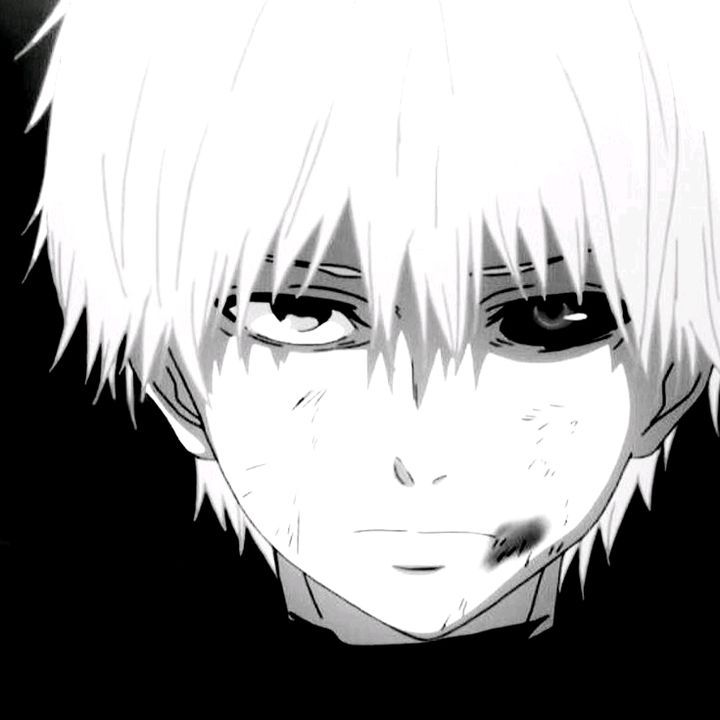
DEADK1TTYZ
𝐃𝐞𝐚𝐝𝐊𝟏𝐭𝐭𝐲 ᶻ 𝗓 𐰁
“I don’t just edit — I revive games.”
Brazilian Video Editor • Mind behind the Rampage trend
01 / Origin
Who I Am
I'm DeadK1ttyz — my real name is Leonardo. I'm a 14-year-old Brazilian editor who creates Roblox character edits built on clean oscillates, smooth transitions, tight syncs and a perfect TCC edit with shadows and outlines.
Every frame is intentional. Every cut hits. That's how the Rampage style became part of my identity.
Currently plays
Brawl Stars • Roblox • Among Us • Minecraft
On Roblox
- Bear Alpha
- BFNF
- Find The Markers
- Hide and Seek Extreme
- DOORS
- Murder Mystery 2
- FIFA Super Soccer
- Timebomb Duels
Also builds
Scripts (exploits) and full games — using only a mobile phone.
02 / Transition
New Main Account
DEADK1TTYZ originally built his audience on @deadk1ttyz, an account created on September 21, 2025. The account was permanently banned on September 22, 2026, one day after its first anniversary, after mass reports and because TikTok interpreted the word “Rampage” as violence or discrimination.
In this context, “Rampage” refers to the edit style and trend used in the videos — not violent intent, hate speech or gameplay clips. The new main account is now @deadk1ttyz0.
Comeback account
@deadk1ttyz0
Created on the morning of September 23, 2026, the new profile reached 25.5K followers and 1.3M likes in exactly one month.
04 / Impact
The Numbers
05 / Arsenal
Tools
Alight Motion
Main editing workflow • timing • effects • motion
Viggle AI
Character dance generation for video edits
Workflow
Alight Motion Effects I Use
- 01Background photos or videos get Oscillate and Motion Blur. For movement: one keyframe at the start and one at the end — on the first keyframe drag the photo/video to where it should start (position), on the last one to where it ends. Plus cuts.
- 02Fade in at the start and fade out at the end — full-screen black layers with Blending and 2 keyframes (start and end).
- 03Character dance from Viggle AI: Chroma Key, then a red Outline (10–17), moved a bit to the right and down.
- 04Then the outline is removed from the character and Box Blur plus a black Solid Color are added.
- 05Text: black color with a red line in the center (about 4–5) and the Random Jitter effect, centered at the top of the video.
- 06Final layer over the whole video and screen: Copy Background, Vignette and Spin Blur.
06 / Contact
Socials